
Lists Worksheet
The lists Worksheet
The lists worksheet is reached from the Maintenance section of the Launchpad ribbon tab.

The lists worksheet maintains a set of lists used by cell validations on the settings worksheet and by the dropdown controls in the style designer ribbon tab.
The lists worksheet appears as follows:
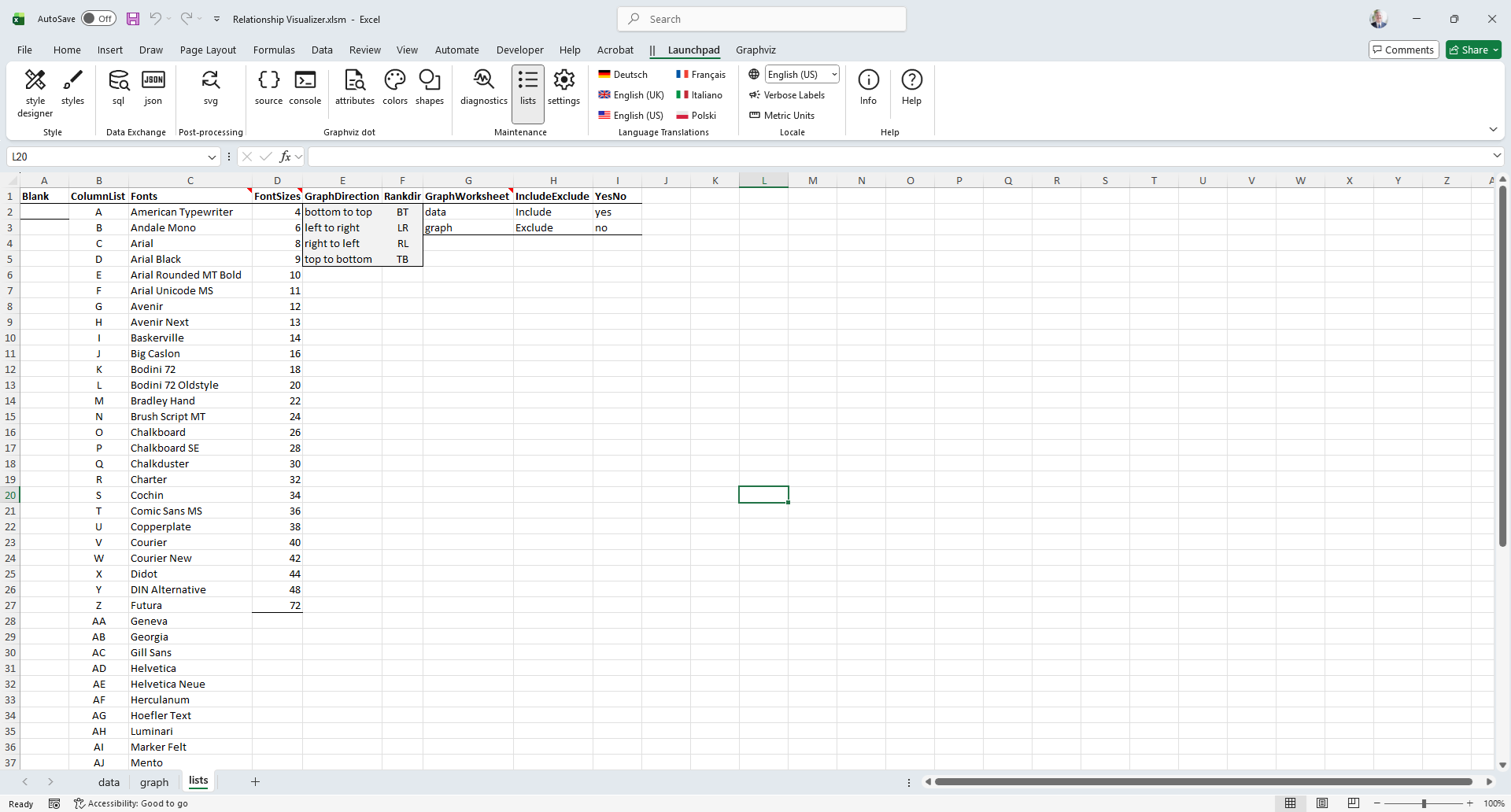
The Fonts list is primarily relevant for macOS users. On Windows, the Relationship Visualizer can retrieve the installed fonts automatically, but macOS does not provide a way to obtain this list programmatically. As a result, the font list shown on macOS comes from the Fonts list in column C.
You may add or remove font names in this list to match the fonts available on your Mac. After making changes, you must close and reopen the workbook for the updated list to appear.